Blog·October 2026
I Stopped Trying to Make a Special Spreadsheet
Nought 1.0.47, and why a spreadsheet should be the least surprising thing on your Mac.
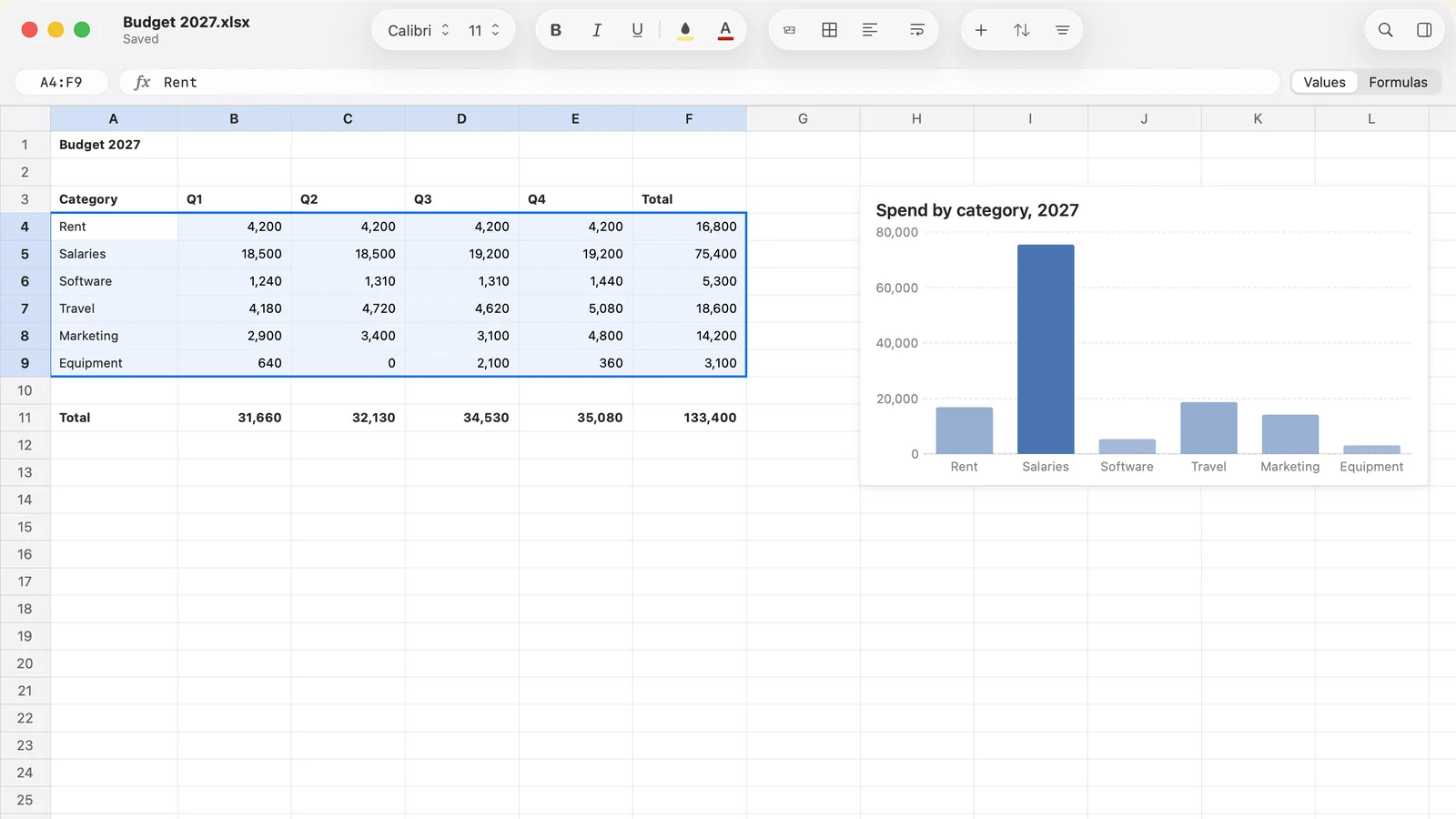
Nobody has ever opened a spreadsheet and hoped to be surprised.
I know this. I have known it for years. I still spent months making Nought’s window look distinctive, because I am the sort of person who knows a thing and then does the opposite for a while.
The Grid Is Mine, the Rest Was a Mistake
The grid has to be custom. Nobody ships a system spreadsheet view, so I draw every cell myself. That part is fine, and it is the job.
The trouble started when I decided everything around the grid should be custom as well. My own toolbar layout. My own inspector. My own formula bar. One row for the sheet tabs and a separate row for the status bar. Each decision made sense on the day. Put together, they said “this is not quite a Mac app” before you typed a single formula.
What Changed
The toolbar is grouped the way Apple’s own apps group theirs: Font, Character and Cell, with proper space between them. Undo, Format Painter, Conditional Formatting and Export PDF are hidden by default, one click away in Customize Toolbar. I like Format Painter. I do not need it on screen at all times, and neither do you.
The inspector is the system inspector. The formula bar is a capsule with no divider line under it. Sheet tabs and the status bar now share a single bottom row. The window title has an Edited or Saved line under it. The accent colour is yours, from System Settings, and Settings itself is a normal tab window.
None of that is exciting. That is rather the point.
The Lesson, Such As It Is
A spreadsheet earns trust by being predictable. The chrome should be so familiar that your eyes slide straight off it and land on the numbers. I spent months doing the opposite and called it personality.
Apple has more people, more devices and more years on this than I will ever have. Custom chrome is a loan against every future version of macOS, and I was the one who would have to pay it back.
Also in 1.0.47
Charts got a proper going-over, because people sent me real Excel files and real Excel files are rude.
Imported charts now draw from their cells, including other sheets and defined names, and update live as you edit. Saving keeps the original references, so Excel is still happy afterwards. Pie, doughnut, line, area and scatter charts have data labels, with a Percentages toggle. Pivot charts follow their pivot. Edit Chart no longer opens an empty sheet that traps the window, which was a bad bug and I am glad it is gone.
You can also drag cells to move them, text spills into empty neighbours, borders have their own menu, and Excel 365 dynamic arrays survive a save.
There are limits. Pie labels set to outside still draw inside, and radar and stock charts draw no labels yet. I would rather tell you than have you find out.
Related reading
What’s new in Nought lists every release. The roadmap covers what is coming. And if you want the app itself, Nought is on the Mac App Store, free for 14 days and then $9.99 once.